


Let visitors change or withdraw consent
Visitors should be able to revisit their choices after closing the banner.
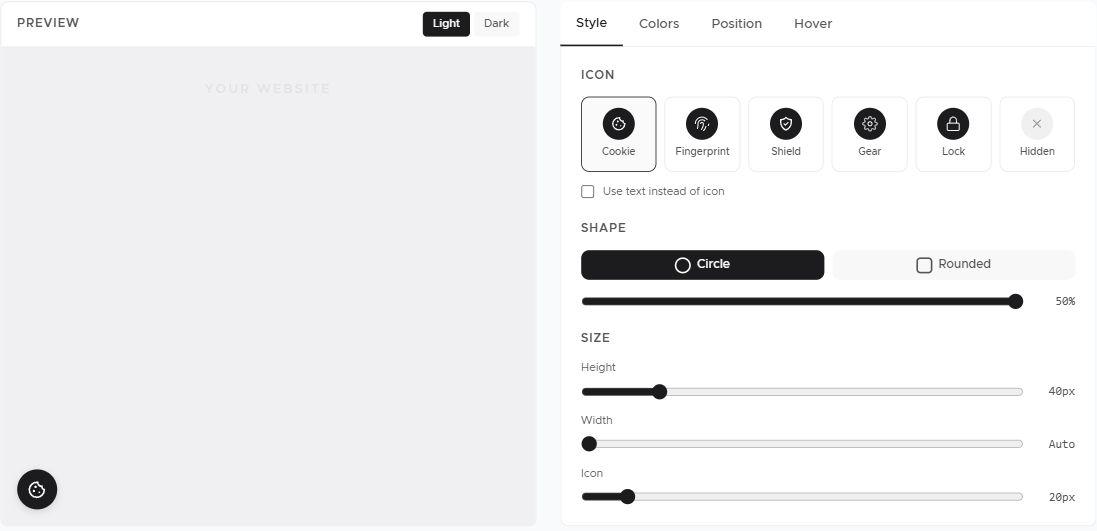
1. Keep the settings button available
Visitors can reopen their consent choices using the cookie settings button. Keep this route accessible on every relevant page and screen size. See Customize the cookie settings button for the design steps.
2. Know what visitors can change
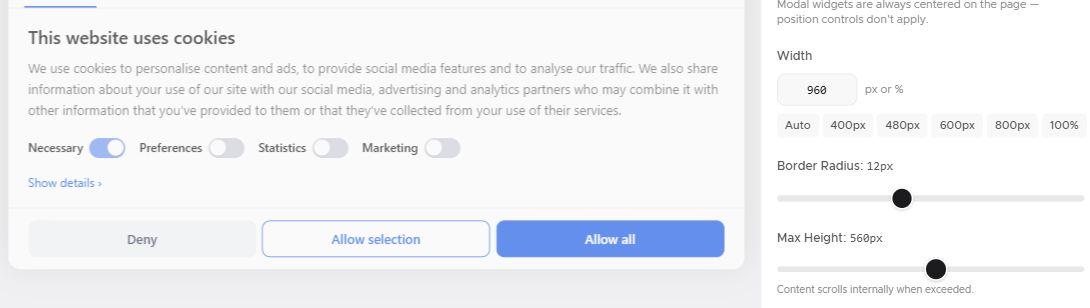
Visitors can switch optional categories on or off, but a switch is only a draft until they confirm it: with Save my choices or Only necessary in the Default layout, or with the save button in the settings of the Classic layout. Opening the settings without saving does not change the stored choice and is not a withdrawal, and Escape closes reopened settings without saving. In the modal opt-in templates, the first banner closes only with a choice. US opt-out banners work differently: Close puts the notice away without giving or lifting anything, as described in Set up US privacy choices and Global Privacy Control.
3. Test withdrawal
Test withdrawal after first accepting optional categories. Reopen settings, disable the optional choices, save and inspect subsequent behavior. Reload and confirm the choice remains effective.
Each saved change counts as a new choice on the Statistics page at the time it is saved; earlier periods are not rewritten. A later change does not add to or replace a visitor’s first choice in an A/B test. See Understand your consent statistics and Understand your banner A/B test results.
In the accessible banner version, Escape closes the reopened settings without saving and keeps the existing choice, so closing is not a withdrawal, and focus returns to the cookie settings button. A first banner without a choice cannot be closed this way. See WCAG 2.2 AA and your Passiro cookie banner.
4. Check previously stored data
Withdrawal stops future processing by the tags the banner controls; it is not the same as deleting every cookie or all data previously collected by third parties. Check how each integration stops future processing and handles previously stored data; do not promise automatic deletion without verifying that behavior.
Technical guides
Screenshots are edited, anonymized examples. Use your own website, banner and Passiro script.