Webflow Cookie Consent: A 2026 Implementation Guide

Webflow does not include a native consent management layer. When you add Google Analytics, Meta Pixel, or any third-party tracking script to a Webflow site, those scripts fire on page load unless a dedicated consent tool intercepts them first. That creates a GDPR violation for EU visitors and an opt-out obligation under the California Consumer Privacy Act (CCPA) for US visitors before a single user interaction occurs. The three categories of solution most commonly used to address this are:
- Webflow Marketplace apps such as the Cookie Consent App by FlowAppz, which handle banner display, script blocking, and geo-targeting entirely inside Webflow without custom code.
- Free cloneable banners such as the Digital Sparks GDPR Cookie Consent Banner and the Free GDPR Cookie Consent Banner by Digital Sparks, which provide a starting point for basic compliance at no cost.
- Registered consent management platforms (CMPs) such as Passiro, which carry formal IAB TCF v2.3 registration and support GDPR, ePrivacy, CCPA, and LGPD from a single configuration.
Each approach requires that non-essential cookies, including analytics and marketing pixels, are blocked until the user grants explicit consent. Session tokens and other cookies essential to site operation are exempt from this requirement.
What do the leading Webflow cookie consent tools actually offer?
The four solutions most relevant to Webflow users in 2026 differ substantially on compliance depth, customization, and cost. The table below maps each against the dimensions that matter most for a production site.
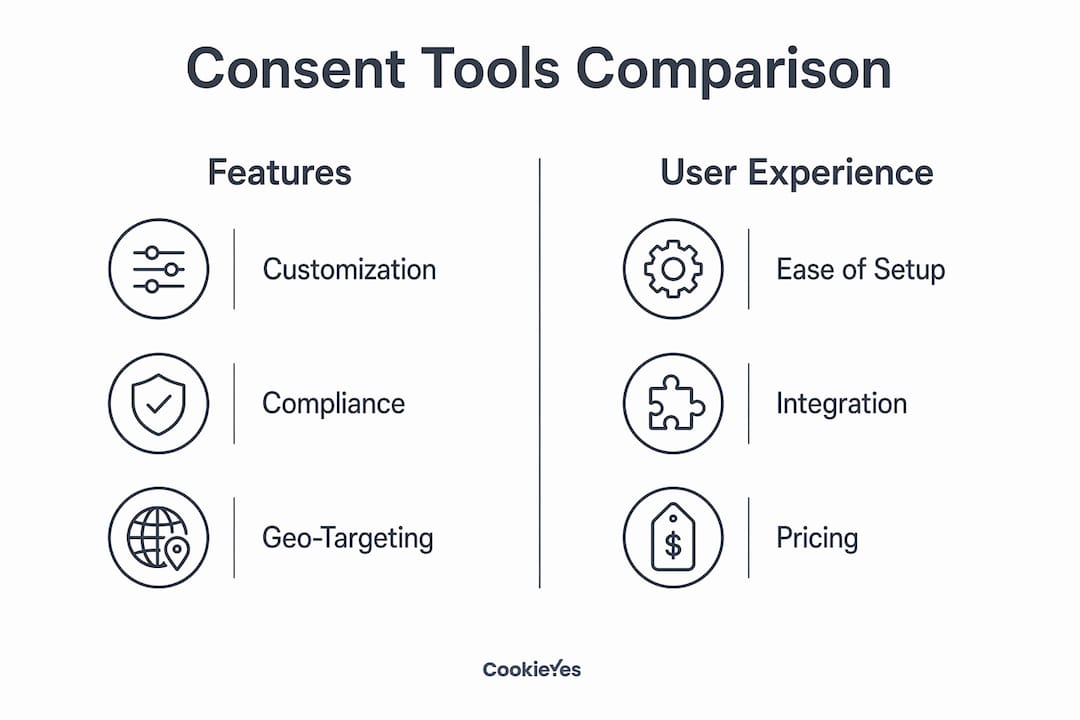
| Tool | Customization | Ease of setup | Compliance coverage | Google Consent Mode v2 | Pricing |
|---|---|---|---|---|---|
| Cookie Consent App by FlowAppz | Full design control in Webflow designer | App install, no code | GDPR, CCPA | Yes | Free tier; paid plans available |
| Digital Sparks GDPR Cookie Consent Banner | Limited (clone-based) | Clone and configure | GDPR | Not documented | Free |
| Passiro | Visual designer, 25 languages, templates | Script embed in Head code | GDPR, ePrivacy, CCPA, LGPD | Yes (IAB TCF v2.3, CMP ID 499) | Free tier, unlimited domains; paid plans in EUR |
| Free GDPR Cookie Consent Banner by Digital Sparks | Limited (clone-based) | Clone and configure | GDPR | Not documented | Free |
Cookie Consent App by FlowAppz is the only solution in this group that lives entirely within the Webflow ecosystem. Geo-targeted banners, automatic script blocking, and visual customization all happen inside the Webflow designer, with no external dashboard. That tight integration makes it the natural choice for designers who want to manage consent alongside the rest of their site build.
The two Digital Sparks banners serve a different purpose. Both are free cloneable assets with a high install base, suited to sites that need a visible GDPR banner quickly and have limited compliance requirements. Neither documents Google Consent Mode v2 support, which matters if your site serves EU visitors using GA4 or Google Ads.
Passiro occupies a different tier. As a registered IAB TCF v2.3 CMP (ID 499), it generates a formal consent string recognized by the IAB Global Vendor List, not merely a stored browser preference. Its tracker database draws from EasyPrivacy and covers more than 4,900 trackers, updated daily. The free tier carries no domain or traffic limits. Genuine limitations include the absence of DSAR automation and no vendor risk management module, which larger organizations may require.

How do you add a cookie consent banner to a Webflow site?
Setup follows the same sequence regardless of which tool you choose. The critical rule is that the consent manager’s script must load before any tracking script in the Webflow Head code section.
- Create an account with your chosen consent platform, or clone the relevant Webflow asset if using a Digital Sparks banner.
- Run a cookie scan so the tool identifies every tracker and third-party script your site loads. Passiro and FlowAppz both automate this step.
- Copy the embed code provided by the platform.
- In Webflow, navigate to Site Settings, then Custom Code, and paste the consent script as the first entry in the Head Code field. Placing it first prevents tracking scripts from firing before consent is collected.
- Configure banner appearance and behavior inside the tool’s dashboard or, for the FlowAppz app, directly in the Webflow designer.
- Enable Google Consent Mode v2 in the platform’s settings if your site uses GA4 or Google Ads. Without this, GA4 stops recording data from EEA visitors who decline cookies.
- Publish the site, then open it in an incognito browser window to verify the banner appears and no non-essential cookies load before interaction.
Pro Tip: Open browser DevTools under the Application tab before clicking anything on the banner. Your cookie list should contain only your consent tool’s own cookie and Webflow’s session cookie. If a Google Analytics _ga cookie or a Meta Pixel cookie appears at this stage, your consent script is not loading first in the Head code.
For the FlowAppz app specifically, installation happens through the Webflow Applications panel rather than custom code. Add your tracking scripts (GA4, Meta Pixel, Google Tag Manager) inside the app’s settings so they load only after the user makes a consent choice.

What are the compliance and UX requirements for cookie banners?
GDPR mandates that consent be freely given, specific, informed, and unambiguous before any non-essential cookie is set. A banner that says “By using this site, you agree to cookies” with only a close button fails every one of those tests. Practical compliance requires the following:
- Explicit accept, reject, and preferences options must all be present and equally accessible. The reject path cannot be harder to find than the accept path.
- No pre-ticked boxes or default acceptance. Every non-essential category must start unchecked.
- Granular category control covering at minimum: necessary, preferences, statistics, and marketing cookies.
- A persistent privacy trigger so users can revise their consent choices after the initial banner closes. GDPR treats the ability to withdraw consent as a continuing right, not a one-time event.
- A linked privacy policy accessible from the banner and from every page of the site, typically via a footer link. The policy must document every cookie category your site uses and identify the third-party services that set them.
- Regular updates to the cookie inventory as your site’s tracker footprint changes. Automated scanning, available in Passiro and FlowAppz, reduces the manual overhead here.
For US-based sites, CCPA and CPRA require an opt-out mechanism for the sale or sharing of personal data. Adopting a GDPR-compliant banner as the baseline and layering state-specific adjustments on top is the most efficient approach, since GDPR requirements are generally the stricter standard.
How does Passiro compare to other Webflow consent solutions?
The comparison table in the previous section covers the four tools at a feature level. At the compliance infrastructure level, the distinction between a cloneable banner and a registered CMP is material. A cloneable banner displays a notice and stores a browser preference. A registered CMP such as Passiro generates a consent string in the IAB TCF v2.3 format, which ad tech vendors and auditors can verify independently.
For Webflow users running sites that serve both EU and US visitors, Passiro’s geo-targeted banners present the appropriate notice per region from a single configuration. Its 4,900+ tracker database, sourced from EasyPrivacy and updated daily, means the cookie scan reflects current tracking behavior rather than a static snapshot. The visual designer supports 25 languages, which matters for multilingual Webflow sites. Pricing is in EUR; the free tier covers unlimited domains and traffic with no expiry.
The FlowAppz Cookie Consent App remains the stronger choice for users who want everything managed inside Webflow’s designer interface without touching custom code. The Digital Sparks banners suit sites with minimal compliance requirements and no EU traffic.
Passiro’s two documented limitations are the absence of DSAR (Data Subject Access Request) automation and no vendor risk management tooling. Organizations subject to enterprise data governance requirements should account for those gaps.
Passiro offers a free, registered CMP for Webflow sites
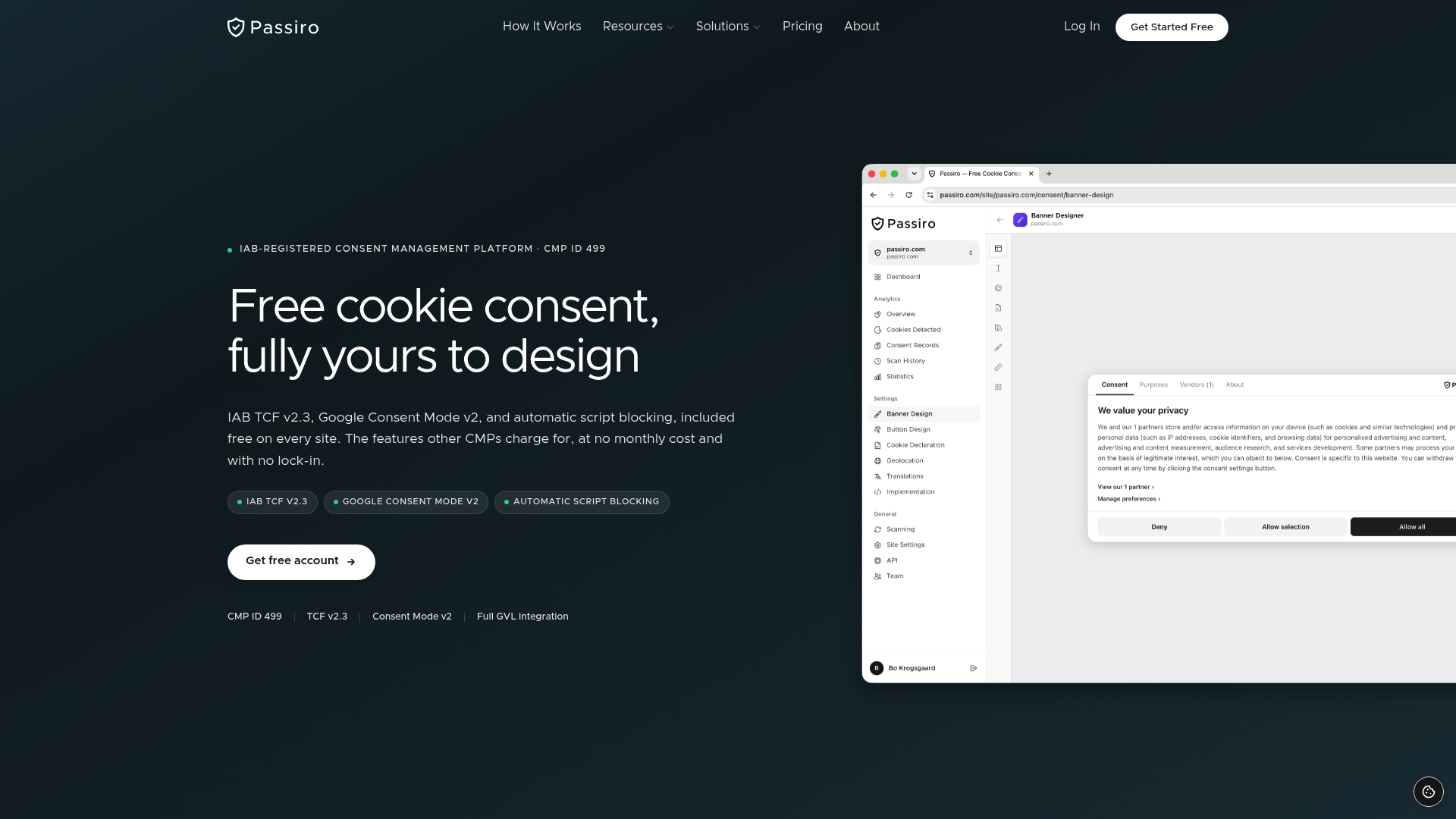
Passiro is a registered IAB TCF v2.3 CMP built for website owners, agencies, and developers who need formal consent infrastructure without a monthly subscription. Unlike cloneable banners or tools that charge per domain, Passiro’s free tier for Webflow covers unlimited domains and traffic permanently, with Google Consent Mode v2, automatic script blocking, and a visual banner designer included at no cost. Paid plans add consent analytics, white-label branding, and API access for agencies managing multiple client sites. For Webflow users who need more than a visible banner and want a consent record that holds up to regulatory scrutiny, Passiro is worth evaluating on those terms.
Key Takeaways
Webflow requires a third-party consent tool to block tracking scripts until users grant explicit consent, making tool selection a compliance decision, not just a design one.
| Point | Details |
|---|---|
| Webflow has no native CMP | Tracking scripts fire on page load without a consent layer; external tools are required for GDPR and CCPA compliance. |
| Script load order is critical | The consent manager’s script must be the first entry in Webflow’s Head Code to prevent premature cookie firing. |
| Registered CMPs vs. banners | IAB TCF v2.3 CMPs like Passiro (CMP ID 499) generate verifiable consent strings; cloneable banners store only a browser preference. |
| Google Consent Mode v2 | Required for GA4 and Google Ads on sites serving EEA visitors; without it, GA4 stops recording data from users who decline. |
| Passiro free tier | Covers unlimited domains and traffic with no expiry, including Google Consent Mode v2 and a 4,900+ tracker database. |
Recommended
Get compliant cookie consent — free
Passiro gives you a compliant cookie banner with IAB TCF v2.3 and Google Consent Mode v2, free on every site.