


Switch to Passiro from another consent platform
Plan the change so visitors see one working consent banner.
1. Inventory the current setup
Inventory the existing banner, its installation location, regional rules and consent-dependent tags.
2. Configure and test on staging
Configure Passiro and test it on an authorized staging hostname before changing production. See Test Passiro on a staging site or subdomain.
3. Coordinate the switch
Coordinate the production switch so only the intended consent platform controls the page. Remove the old platform from its actual installation points, including CMS plugins, templates and tag managers. Install the Passiro script once, publish and clear caches.
4. Do not rely on previous choices
Do not assume that choices or records from the previous platform are imported or understood by Passiro.
5. Verify and keep a rollback
Verify installation and repeat the consent tests. Keep the previous configuration available for a controlled rollback if a test fails. If two banners appear, see Remove duplicate cookie banners.
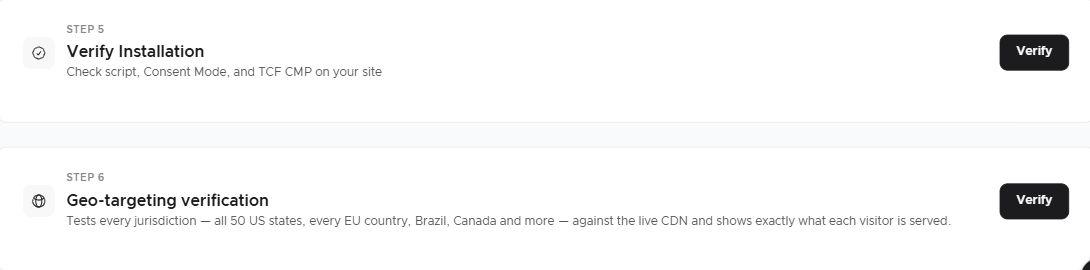
Screenshots are edited, anonymized examples. Use your own website, banner and Passiro script.