


Test Passiro on a staging site or subdomain
Test each hostname that visitors use before you rely on its consent setup.
1. Choose a test hostname
Use a staging site or subdomain that you control.
A staging hostname such as staging.example.com is a subdomain. If you use Passiro on it as a separate website, it follows the same domain-counting rule.
2. Review Allowed Domains
In the selected site’s Implementation settings, review Allowed Domains and add the test hostname if needed.
Allowed Domains is a technical setting. Adding an address here should not be interpreted as including additional domains or subdomains in one paid plan. Review the plan that applies to each website you use with Passiro. See How domains are counted.
3. Install the script
Install the Passiro script copied from that same site configuration.
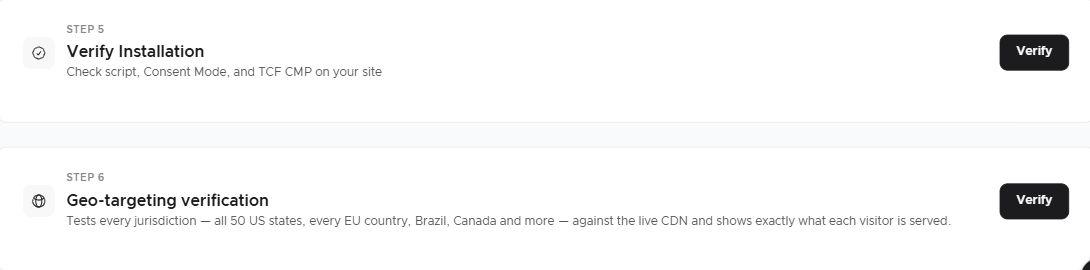
4. Check the environment and test choices
Check the staging environment’s cache, CSP and tracking setup, then test all consent choices. Keep test data separate from production reporting where your setup allows it.
5. Test each hostname separately
An allowed hostname does not by itself prove that consent is shared between domains or subdomains. Test each hostname independently, including its own storage and banner behavior. Repeat the checks on production after deployment.
Technical guides
Screenshots are edited, anonymized examples. Use your own website, banner and Passiro script.