


Understand detected cookies and trackers
See which cookies and third-party services Passiro found during a scan.
1. Open Cookies Detected
Open Cookies Detected after a completed scan. Use the category filters and inspect each cookie’s name, domain, category, provider, expiry, security attributes, party and source.

2. Review trackers separately
Review trackers separately from cookies; their totals need not match.
3. Investigate Unknown entries
Treat Unknown entries as items to investigate, not as automatically necessary. Check the provider’s purpose and your actual use before assigning a category. See Understand cookie categories.
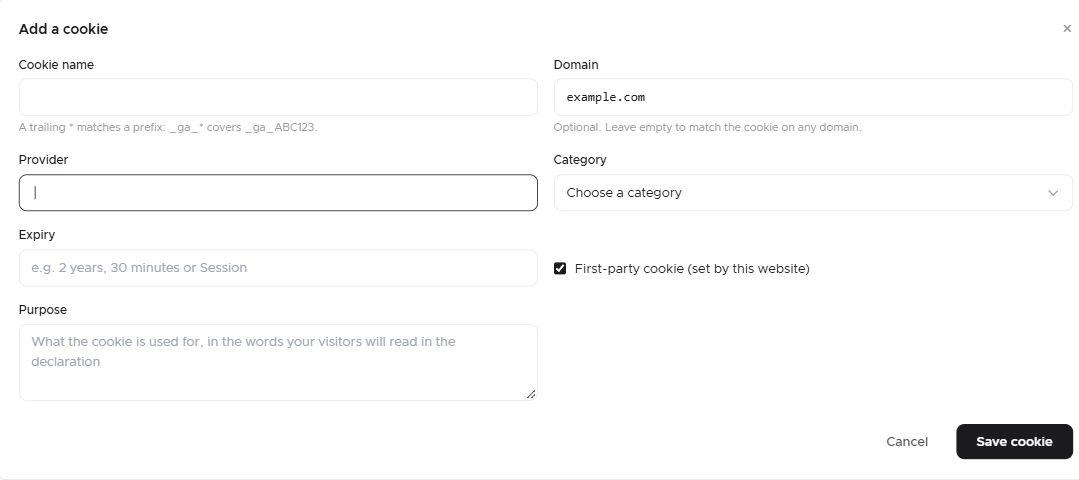
4. Add, edit or hide entries
The page also provides controls to add a cookie and to edit or hide entries. Changing declaration metadata is not proof that a script is blocked. After changes, inspect the published declaration and repeat the relevant consent test.
Screenshots are edited, anonymized examples. Use your own website, banner and Passiro script.