


Install the Passiro script through your website builder or CMS
Use this guide when your website has a site-wide custom-code area.
1. Find a site-wide place for the Passiro script
Find your website platform’s setting for site-wide code in the HTML head.
2. Paste the script once
Paste the site-specific script from Implementation once, before other scripts. Publish the change across all relevant templates.
3. Keep its load order
Exclude the script from delayed JavaScript execution and other settings that change its load order.
4. Check the published pages
Check the published page, not only the editor preview. Confirm that the code is present on landing pages, content pages and other relevant page types.
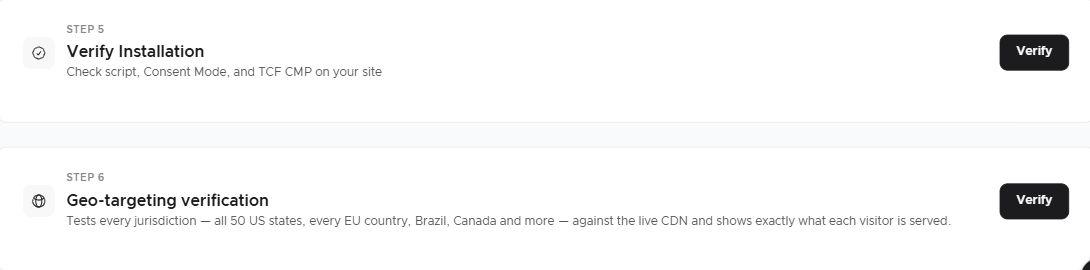
5. Check restricted pages and verify
Some platforms restrict code on checkout, hosted forms or embedded pages; ask the platform administrator how those surfaces are handled. Run Verify Installation and test consent on each affected surface.
Technical guides
Screenshots are edited, anonymized examples. Use your own website, banner and Passiro script.