
Test consent in a single-page application
A single-page application can change routes without loading a new HTML document. Test consent both on the initial document and during client-side navigation.
Install the main consent script once in the shared initial document, before scripts that depend on consent. Avoid inserting it again from each route component. Review the framework’s script-loading and hydration behavior with your developer; a script that runs only after hydration may be too late for other tags.
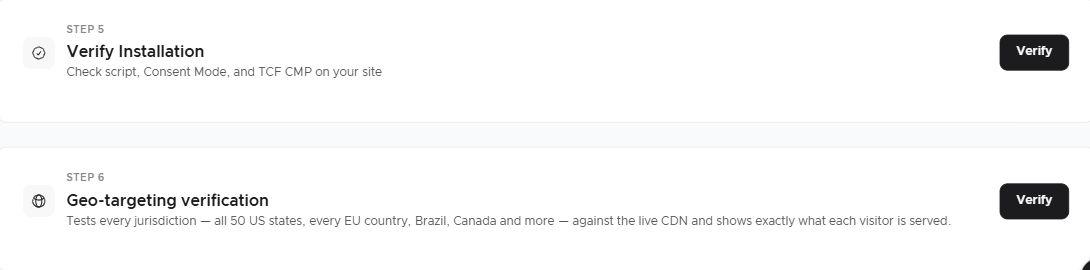
Test a direct visit to a nested route, a reload on that route, internal navigation to another route and browser back/forward. Repeat with no choice, rejection and acceptance. Confirm that the settings button remains available and that newly mounted analytics or widgets respect the current choice.
Then withdraw optional consent and navigate again. Check whether any integration starts because of a route change even though its consent remains denied.
Expected result: one intended main-script installation, consistent saved choices, and no duplicate banner or route-triggered consent bypass. Use documented integration hooks only; do not guess JavaScript event names or call an undocumented SDK method.
Related guides
Screenshots are edited, anonymized examples. Use your own website, banner and Passiro script.