
Keep the consent script first when using caching and script optimizers
Use this guide when the banner appears late, tracking runs too early, or the installation test reports script-order problems.
1. Copy the script from the selected site’s Implementation page
Put it once in the initial HTML head before analytics, advertising and tag-manager scripts. Do not add async or defer.
2. Inspect the published output
An editor’s code order can be changed by a cache plugin, JavaScript optimizer or CDN. Exclude the consent script from delay, combination and reordering rules where needed.
3. If Cloudflare Rocket Loader is active
Its documented opt-out attribute must be present before src in the original markup. For example, adapt the script copied from your account:
<script data-cfasync="false" src="https://cdn.passiro.com/passiro.js" data-site-id="YOUR_SITE_ID"></script>YOUR_SITE_ID is a placeholder, not a working installation. Preserve any other required attributes from your account. Review dependent scripts too when configuring optimizer exclusions.
4. Publish and clear the relevant page/CDN cache
Load a fresh session with the browser’s request log open. Check that consent initialization precedes scripts that depend on it.
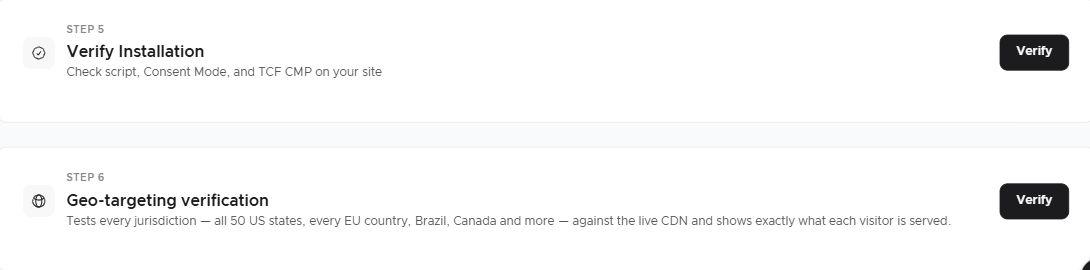
Acceptance: installation checks pass, the script is present once, and no-choice, rejected and accepted sessions behave as intended. A visually correct banner is only one part of this test.
Related guides
Screenshots are edited, anonymized examples. Use your own website, banner and Passiro script.