


Troubleshoot missing consent records
Check timing, filters and the actual test choice before assuming a record is missing.
1. Confirm a saved choice
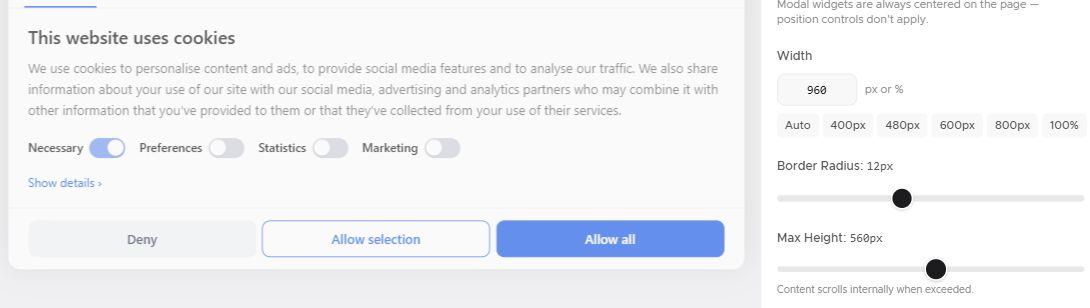
Confirm that the test visitor actively saved a choice. Opening the page, seeing the banner or previewing it in Banner Design is not a submitted consent choice.
2. Allow for the archive delay
Note the test time and its time zone, and allow up to about one hour for the archive to update. This is an approximate guide, not a guaranteed delay. The Statistics page shows when its figures were last updated, and the site dashboard refreshes on its own schedule.
3. Remove restrictive filters
Open Consent Records for the correct site and remove restrictive date, country or consent-ID filters. On the Statistics page, check the period, the time zone named below the filters and the Device filter: a choice without a known device type appears under Unknown, not under Desktop.
A choice can be in Consent Records but left out of Statistics. The Data coverage box on the Statistics page lists what it does not count: choices from US opt-out or notice-only banners, choices whose consent model is unknown or whose stored state cannot be read, automatic events and repeated deliveries. A record that is missing from the archive and a record that is excluded from a metric need different fixes.
4. Repeat one clear test
Check the intended script and repeat one clear test in a fresh session.
5. Report the missing record
If the record is still missing after the archive delay, give support the domain, the approximate test time with its time zone, the browser and the action you took. Share only these test details rather than a full visitor export, and never share a password.
For how choices are counted, see Understand your consent statistics.
Screenshots are edited, anonymized examples. Use your own website, banner and Passiro script.