


Check automatic script blocking
Review how Passiro controls supported trackers before a visitor gives consent.
1. Review Auto-block scripts
Check Implementation → Behavior and review Auto-block scripts. Confirm that the Passiro script loads before the scripts it must control.
2. Treat settings as signals
An enabled switch and an automated installation result are configuration signals, not proof that every custom integration is covered.
3. Test each choice
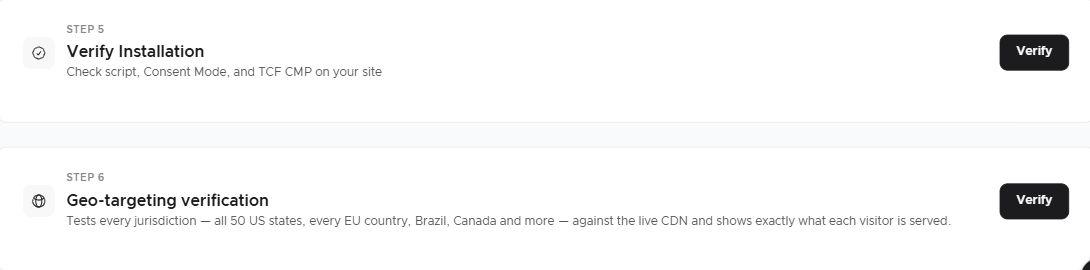
In a fresh session, inspect optional storage and requests before any choice, after rejection and after acceptance. Include scripts injected by your CMS, tag manager and embedded widgets.
4. Allow for Consent Mode Advanced
For Google Consent Mode Advanced, eligible Google tags can send cookieless requests while consent is denied; a request alone is not proof that a cookie was written. Investigate the specific integration and its storage behavior. See Investigate cookies that appear before consent.
Technical guides
Screenshots are edited, anonymized examples. Use your own website, banner and Passiro script.