
Cookies and trackers
Scan your website for cookies and trackers
Run a scan after installing the Passiro script or changing the tools on your website.
1. Open Scanning
Open your website in Passiro and select Scanning in the sidebar.
2. Start a scan
Click Run scan now. Wait for the scan to finish before reviewing the results. The number of pages scanned depends on your settings and plan.
3. Review what was found
Open Cookies Detected to see cookies and third-party trackers. Open Scan History to check the scan status, pages and duration.
Automatic scanning depends on your plan. Check Scan automation on your Scanning page for the schedule available to your account.
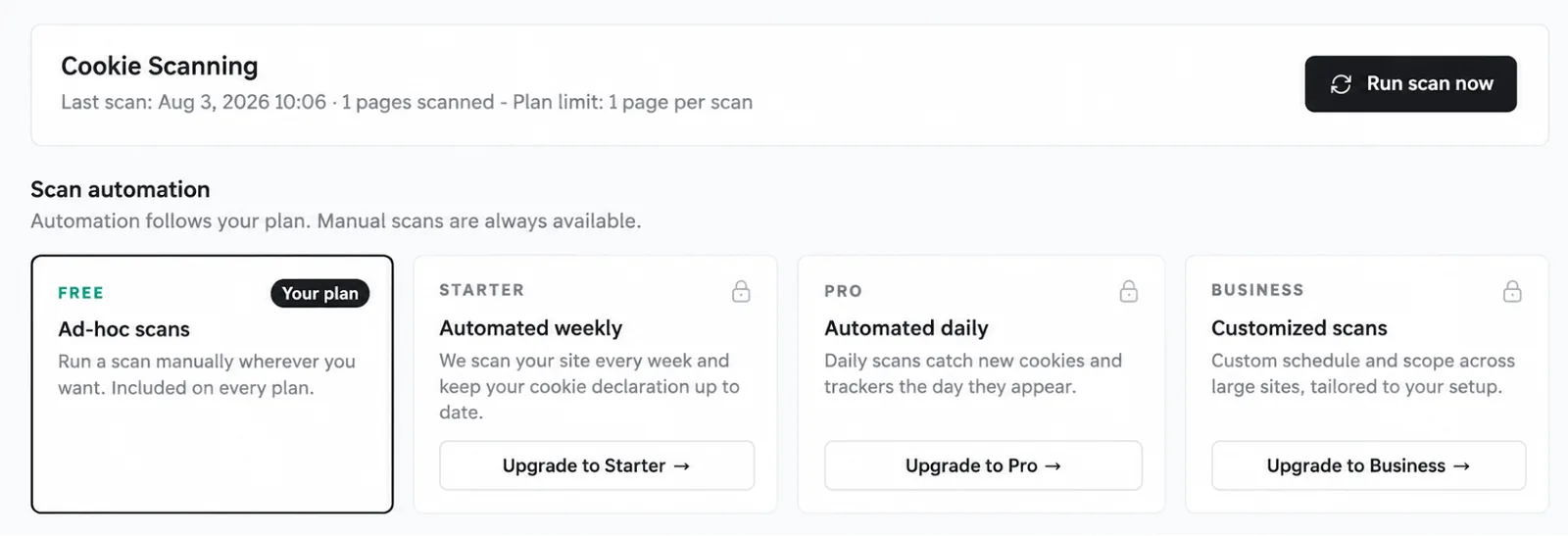
Screenshots are edited, anonymized examples. Use your own website, banner and Passiro script.