
Account and team
Invite a teammate to your website
Give a colleague access to the parts of Passiro they need.
1. Open Team
Select your website, then Team in the sidebar.
2. Enter an email and role
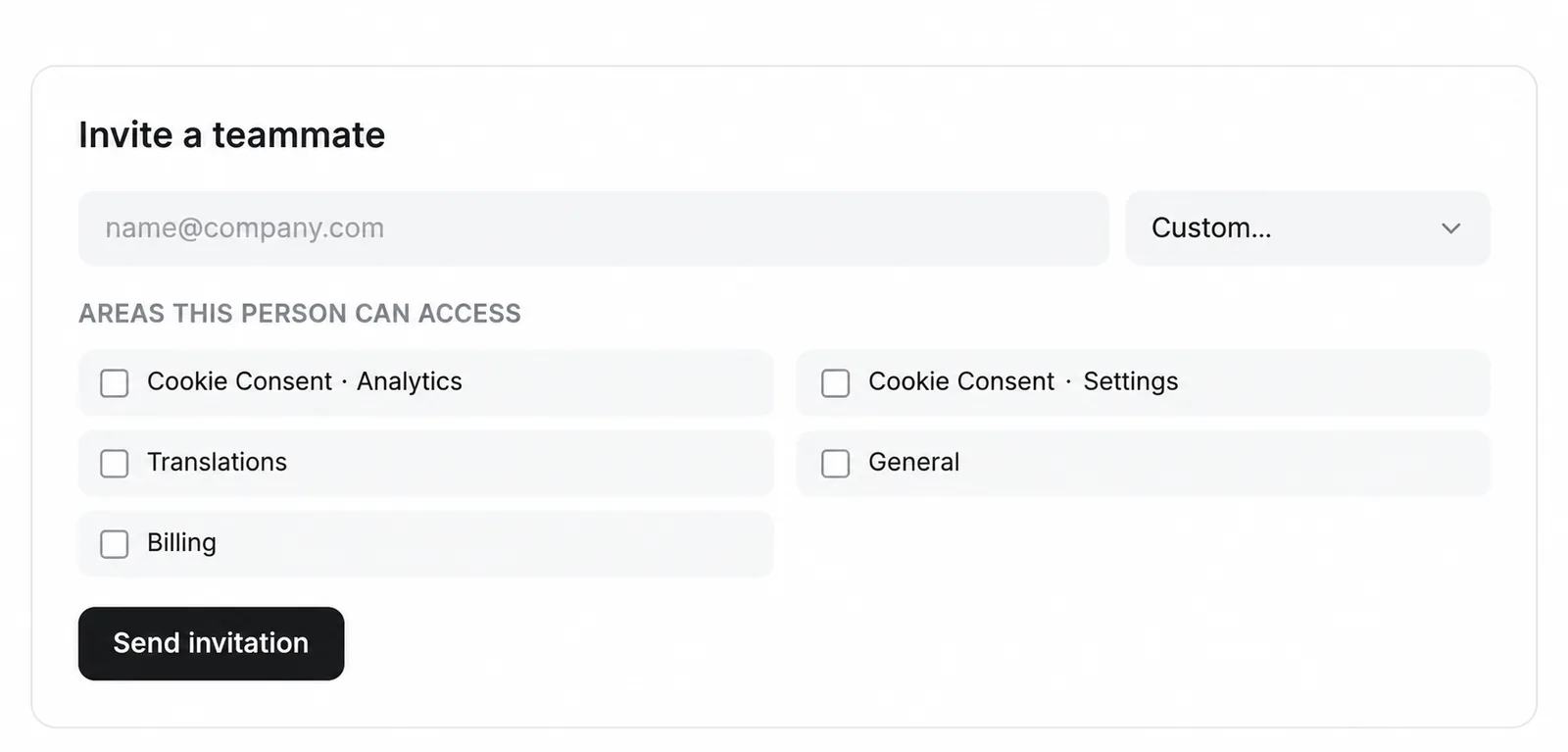
Under Invite a teammate, enter the person's email address. Choose Admin (full access), Billing, Translation or Custom.
3. Limit custom access
If you choose Custom, select the required areas: Cookie Consent · Analytics, Cookie Consent · Settings, Translations, General or Billing.
4. Send and check
Confirm the email address and permissions, then click Send invitation. Review Members after the teammate has joined.
Admin provides full access. Use a narrower role when the teammate only needs billing, translations or specific areas. The website owner retains full access.
Screenshots are edited, anonymized examples. Use your own website, banner and Passiro script.