
Account and team
Send feedback or report a problem
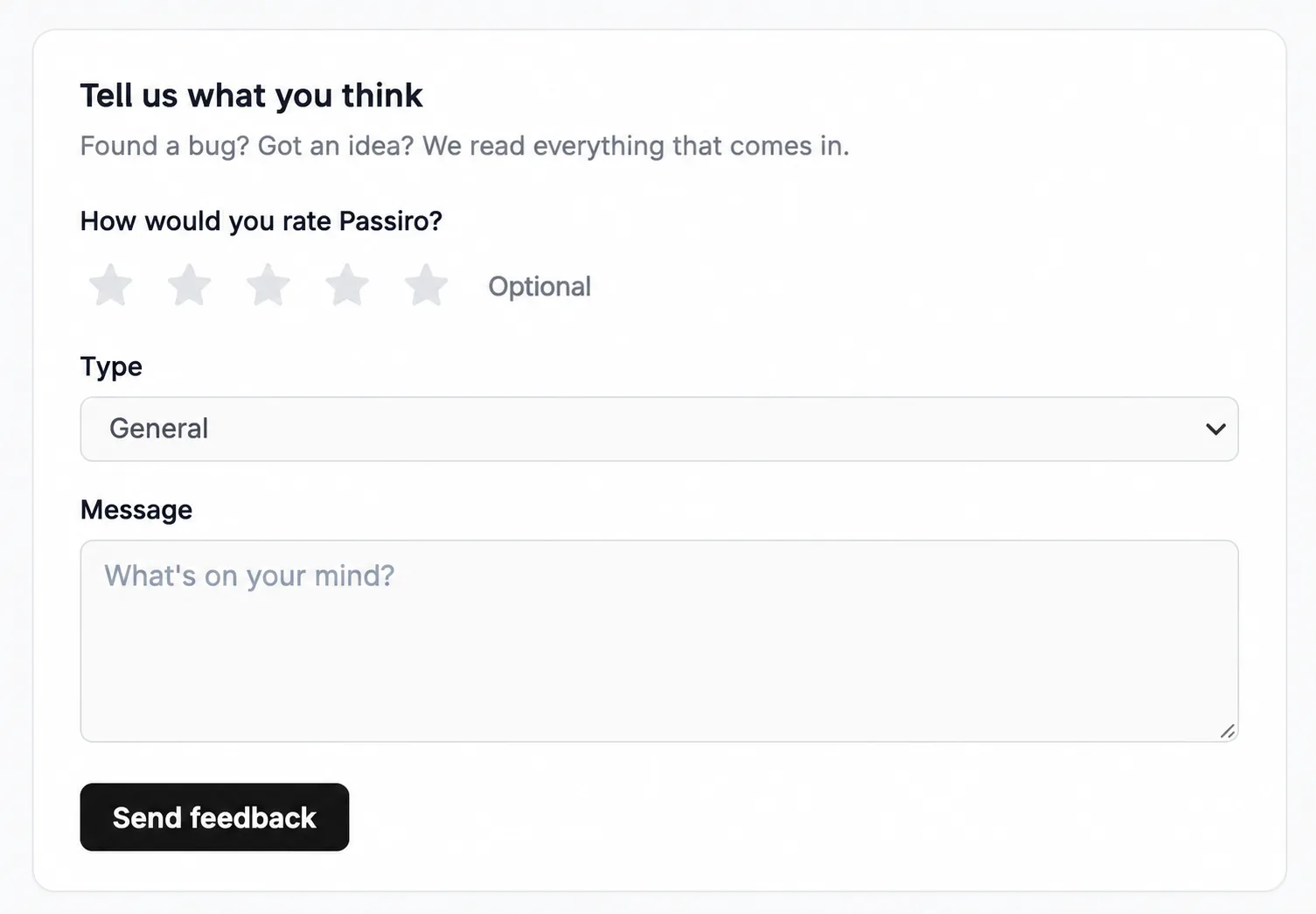
Send Passiro a question, feature request or bug report from your account.
1. Open Feedback
Go to the account dashboard and select Feedback under Help & feedback.
2. Choose a type
Select General, Bug, Feature request or Question. You can also add an optional star rating.
3. Describe what you need
For a bug, include the affected page, your browser and device, the steps you followed, what happened and what you expected.
4. Send your message
Review the details and click Send feedback.
Do not include passwords, private API credentials or visitor consent exports in a feedback message.
Screenshots are edited, anonymized examples. Use your own website, banner and Passiro script.