


Troubleshoot a banner that does not appear
Work through these checks when your cookie banner is missing.
1. Rule out a saved choice
First check whether the browser already has a saved choice: an existing consent choice can prevent the initial banner from appearing again. Test a fresh session.
2. Check domains and regional rules
Confirm that the intended hostname is covered by Allowed Domains and the saved regional rules. With Same banner in the markets you choose, visitors outside the selected markets see no banner by design.
3. Check the installation
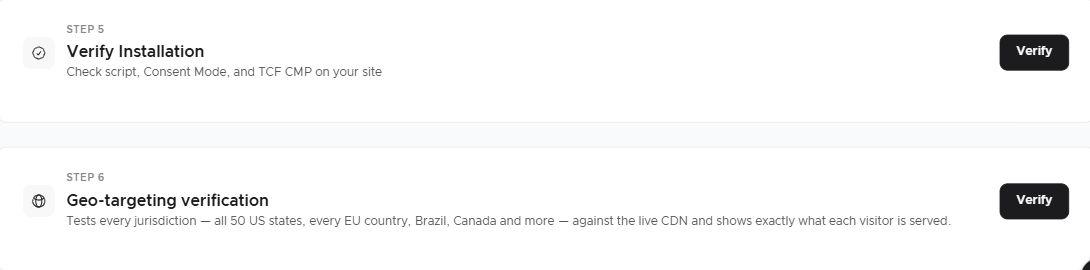
Check that the correct site script is present once and loads before dependent scripts. In Implementation, run Verify Installation and inspect failures.
4. Look for blocked or delayed scripts
Investigate CSP errors, delayed JavaScript, blockers and duplicate consent platforms. Check the published website rather than only the editor preview.
5. Report the failed check
If the problem remains, report the URL, test time, browser, intended region and exact failed check, without sharing sensitive browser data.
Technical guides
Screenshots are edited, anonymized examples. Use your own website, banner and Passiro script.