
Change banner language and translations
Use the visitor's browser language or display one language to everyone.
1. Open Translations
Select Translations in the website's sidebar.
2. Choose the default language
Under Default banner language, choose Auto (browser language) or a specific language.
3. Edit a language
Under Edit texts for language, select a language. Enter your own wording in the fields you want to override. Leave a field empty to use Passiro's default translation.
4. Save and test
Click Save overrides. Repeat for other languages. Test with the relevant browser language when using Auto.
Keep placeholders such as {n} and {partners} in text that uses them. IAB-standard purpose names and feature descriptions come from the Global Vendor List and cannot be overridden here. For an ordinary banner heading, use the Non-TCF heading field.
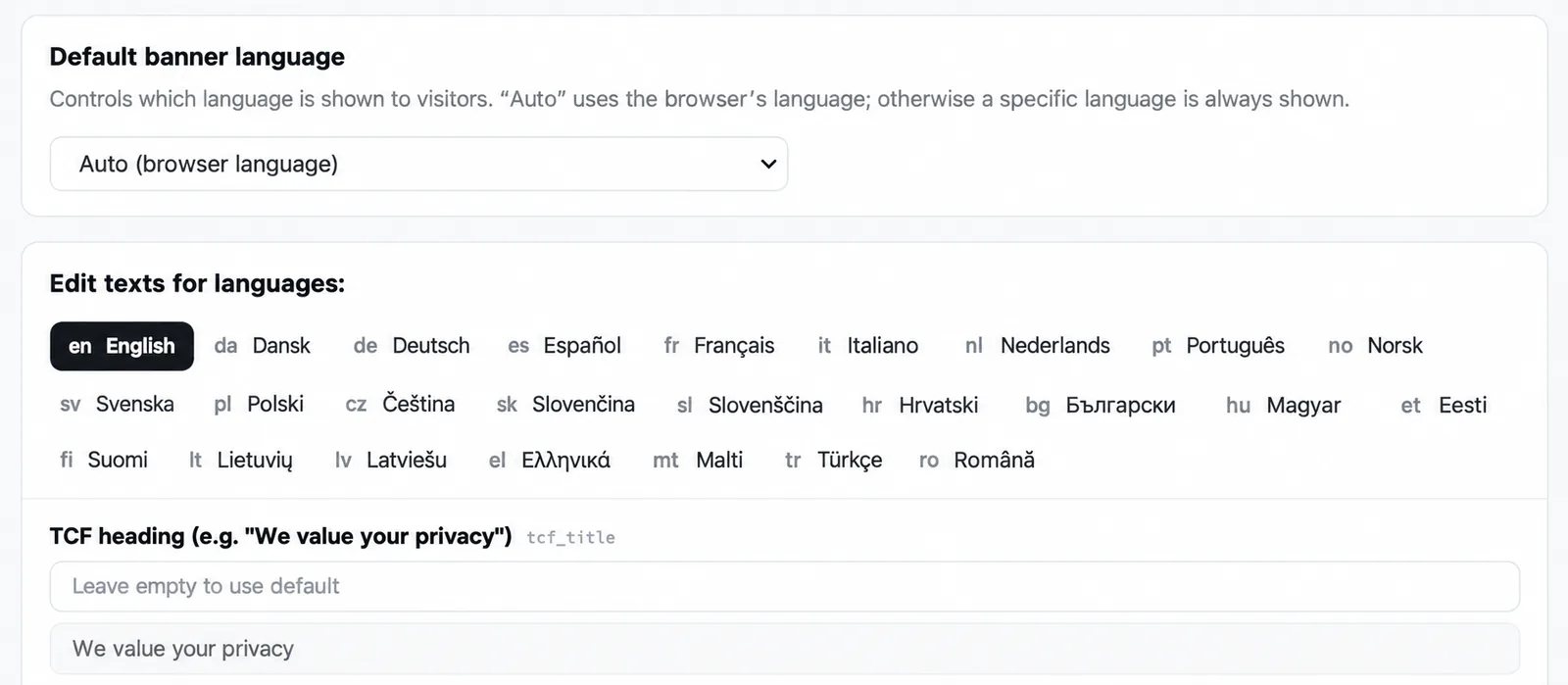
Screenshots are edited, anonymized examples. Use your own website, banner and Passiro script.