
Banner design and regions
Choose where your banner appears
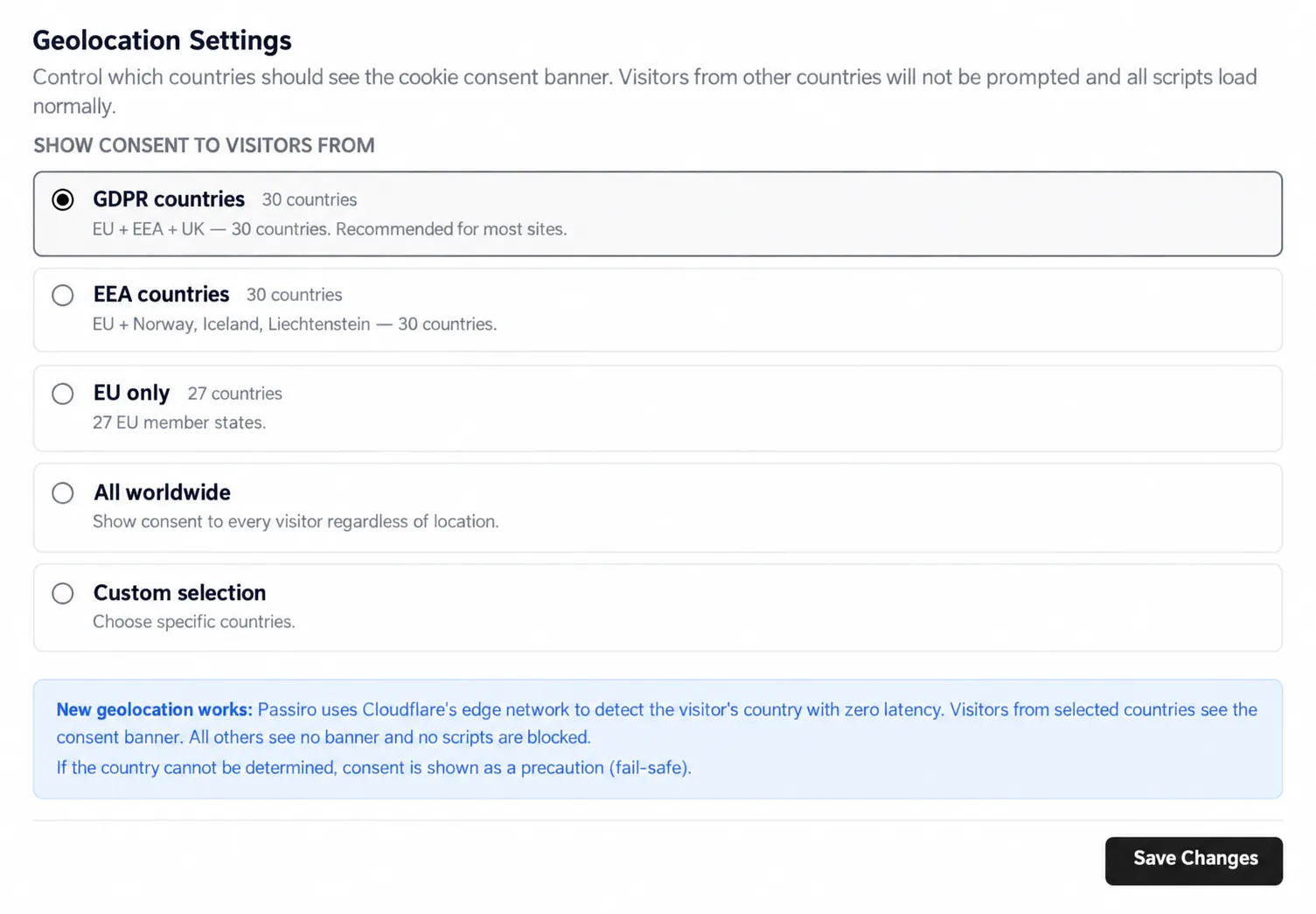
Use Geolocation to choose which visitors see the same banner.
1. Open Geolocation
Select Geolocation, then Same banner everywhere.
2. Choose the countries
Choose one of the available country groups, All worldwide, or Custom selection. With Custom selection, select the countries you want to include.
3. Save and check
Click Save Changes. Test the banner from the locations you intend to cover. If you need different experiences by region, use Smart geo-targeting instead.
In this mode, visitors outside the selected countries are not prompted and scripts load normally. Check your country selection carefully. If the visitor's country cannot be determined, Passiro shows consent as a fallback.
Screenshots are edited, anonymized examples. Use your own website, banner and Passiro script.