
Choose a banner template and consent framework
Templates provide a starting design and determine the banner's consent framework.
1. Open Templates
Go to Banner Design, open the banner you want to edit and click Templates. You can also use Change template to switch framework from Style.
2. Choose a framework
Select Standard (GDPR), TCF 2.3, US opt-out or Notice. Standard uses four consent categories. TCF adds purpose and vendor choices. US opt-out provides an opt-out experience. Notice is informational.
3. Choose a layout and review it
Select a template, then review its text, buttons, links, colors and layout in the editor. Changing a template can affect your design, so check it before saving.
4. Save and test
Click Save Changes. Check the published banner on desktop and mobile. For a TCF setup, also run Verify Installation and review the relevant TCF checks.
Choose the framework your website and advertising setup require. A template name alone is not a guarantee that your entire website is configured correctly.
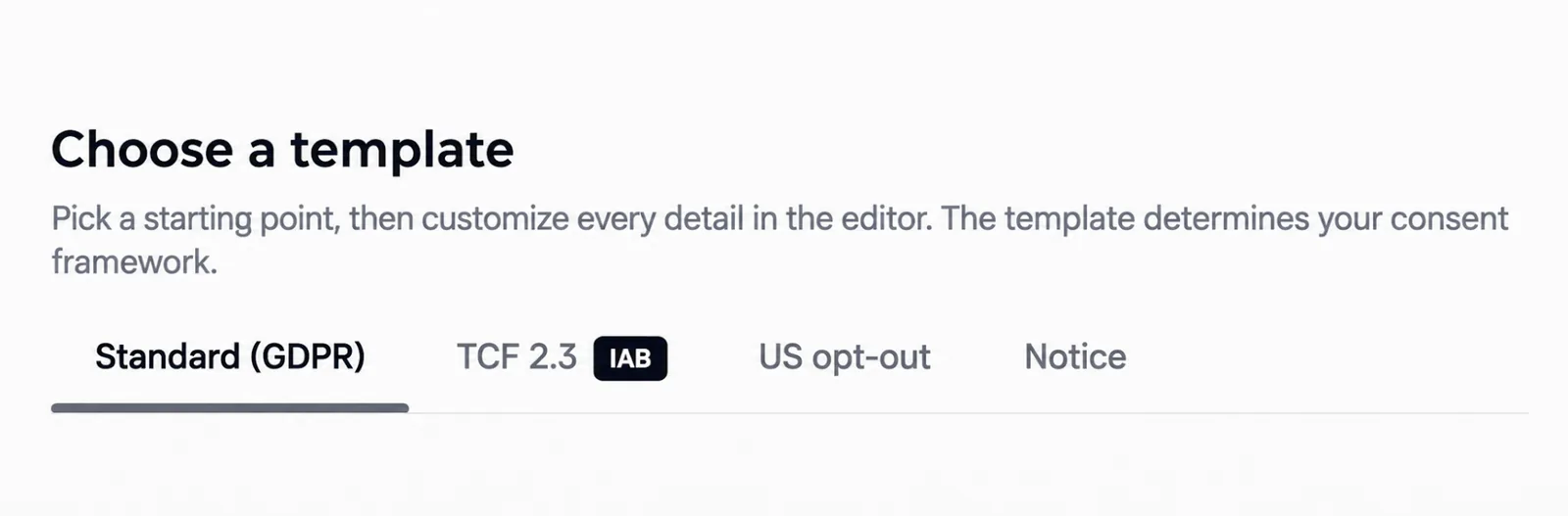
Screenshots are edited, anonymized examples. Use your own website, banner and Passiro script.